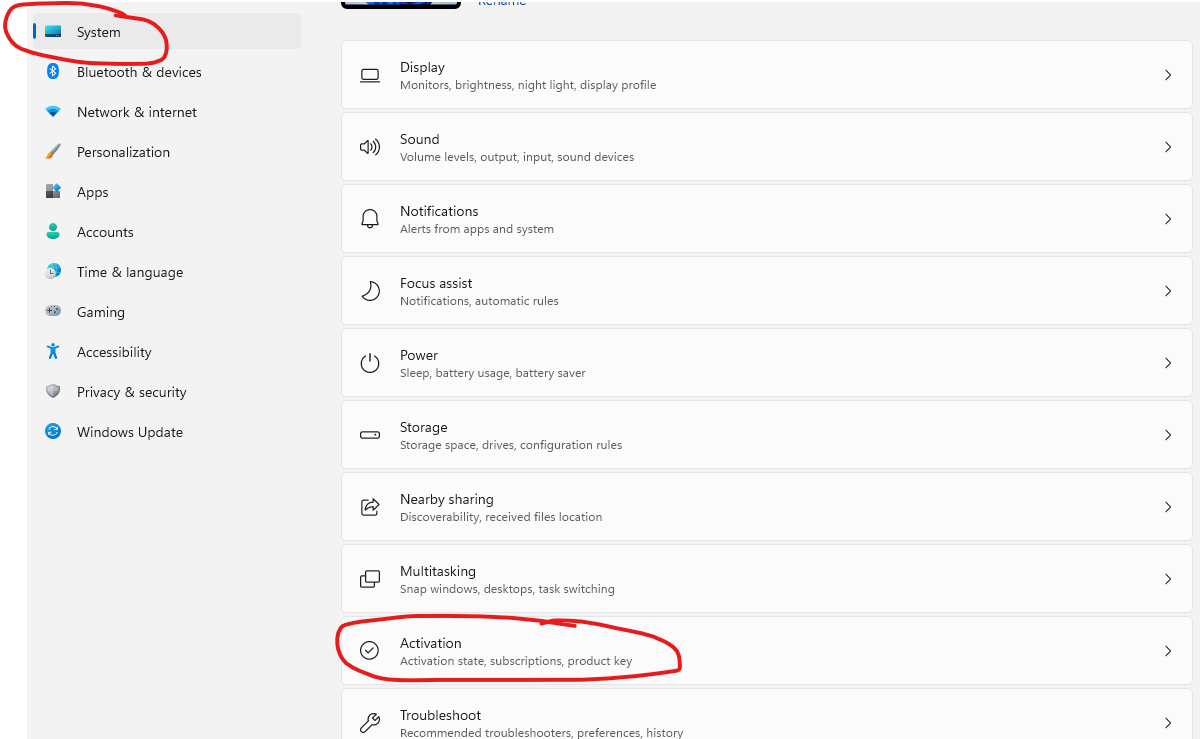
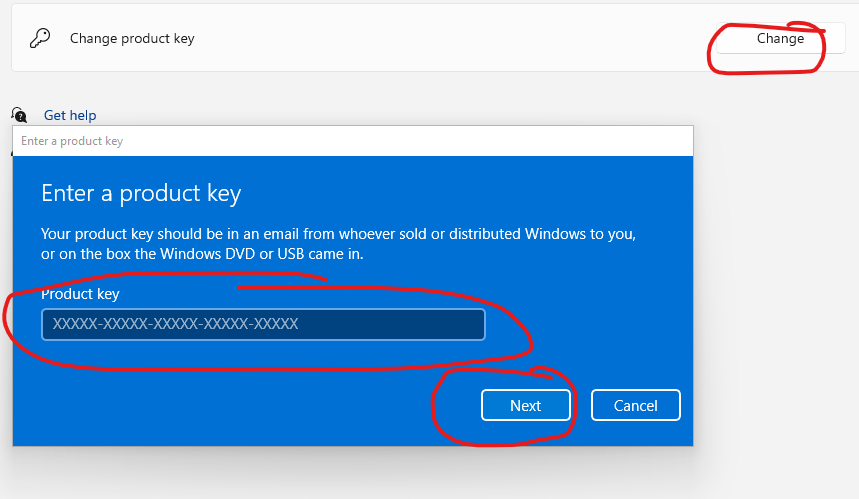
1. Click "Start" 2. Click "Settings" 3. Click "Windows Update" 4. Click "Check for updates" and update all pending updates and restart your machine 5. After PC restart Click "Start" then click "Settings" then…
1 min read · Beginner
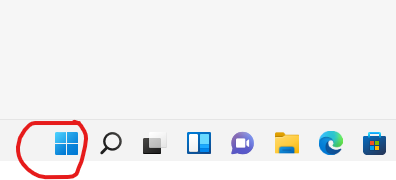
1. Click "Start"
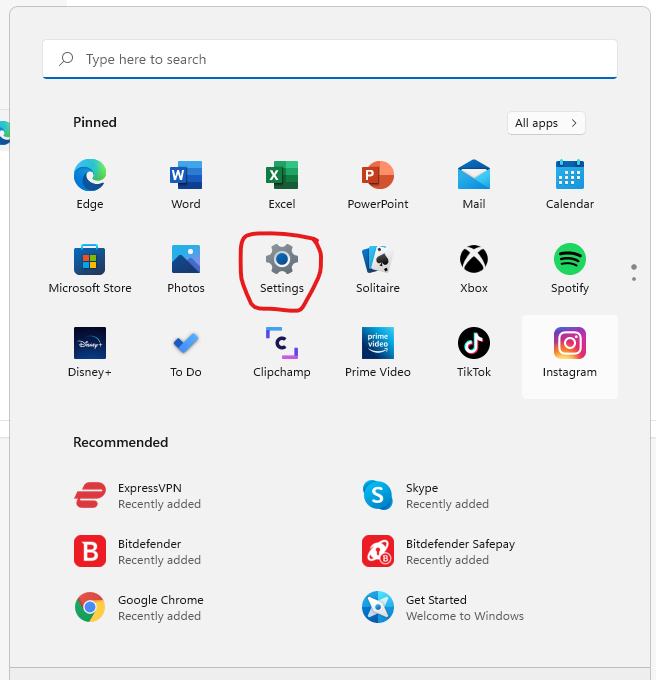
2. Click "Settings"
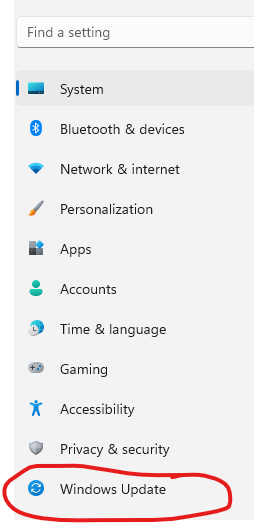
3. Click "Windows Update"
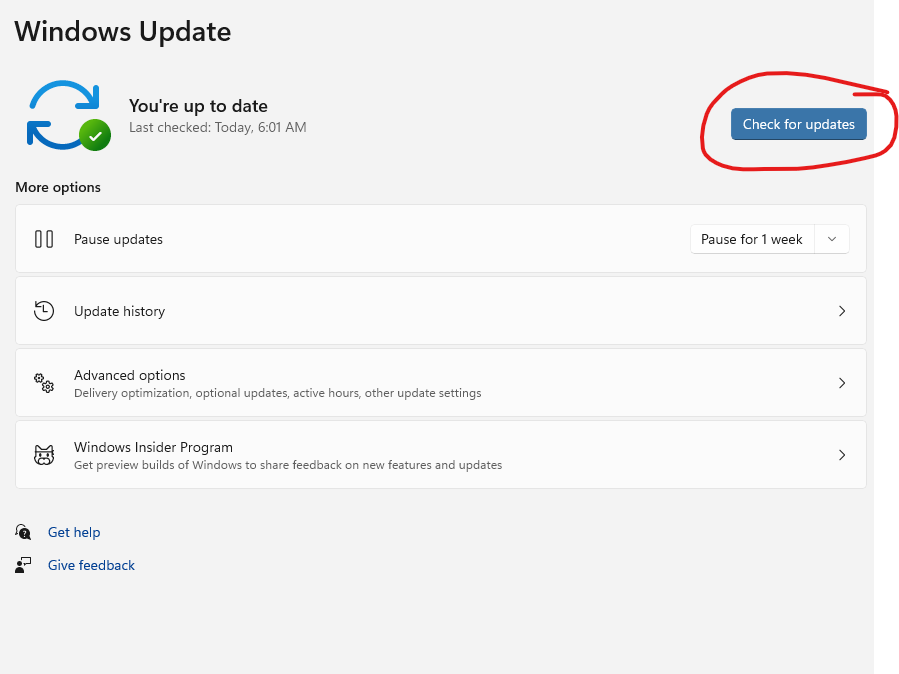
4. Click "Check for updates" and update all pending updates and restart your machine
5. After PC restart Click "Start" then click "Settings" then click "System" then click "Activation"
6. Then click "Change" at the Change product key and enter the key and click next and follow the prompt and restart your machine again
Need help?
Send us your order number and a description of the issue. Keep your product key private.