 Buy a Genuine Microsoft Windows 10 Key
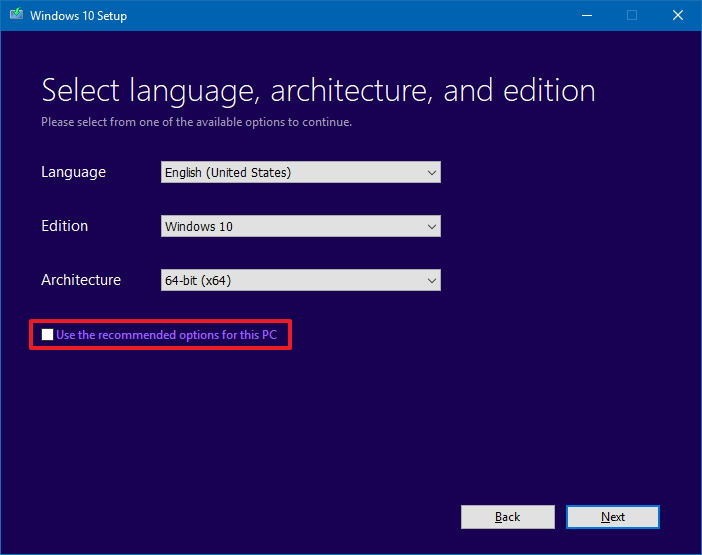
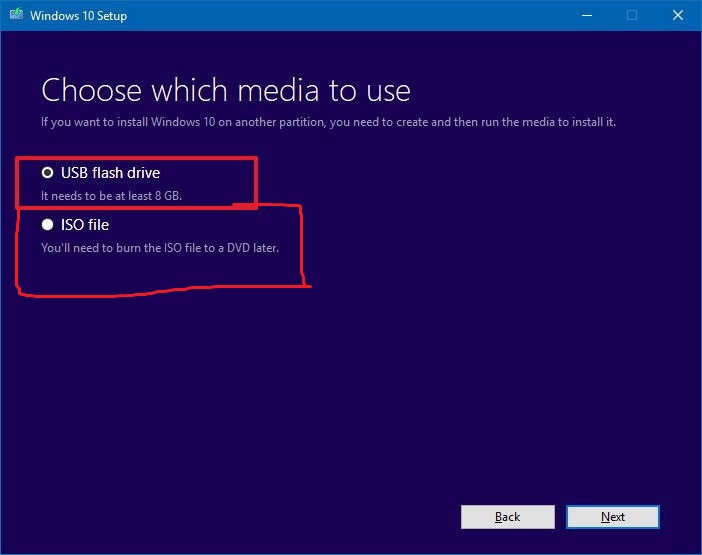
IMPORTANT!!! For windows 10 enterprise, please install windows 10, or windows 10 home or professional edition first then apply your windows 10 enterprise key. it will download all necessary files internally
- Visit this Microsoft Official site and do these steps
- https://www.microsoft.com/en-au/software-download/windows10
Source screenshot unavailable. View the original image reference
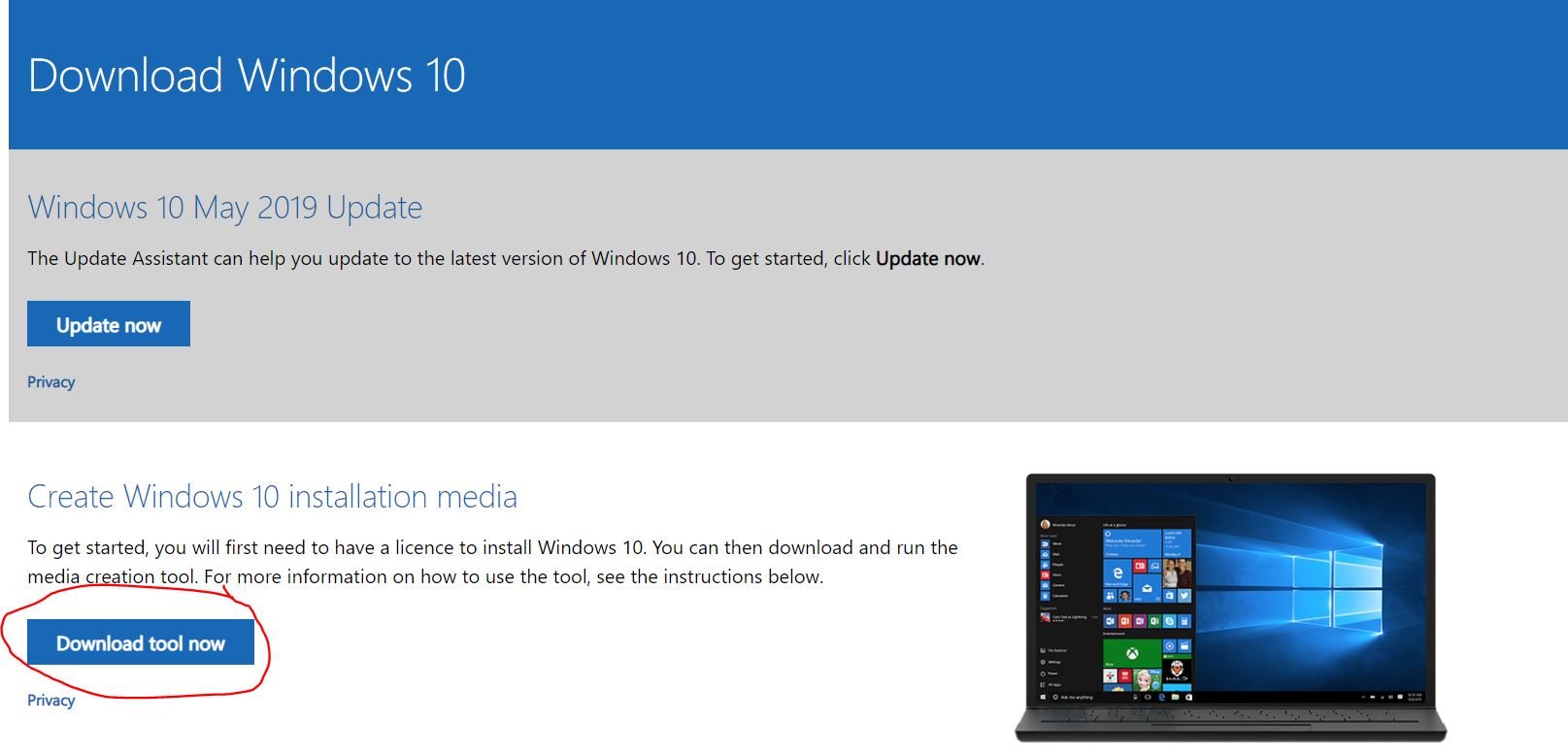
- Click the Download tool now button.
- Double-click the MediaCreationTool.exe file to launch
- Click the Yes / Accept button to agree to the terms.
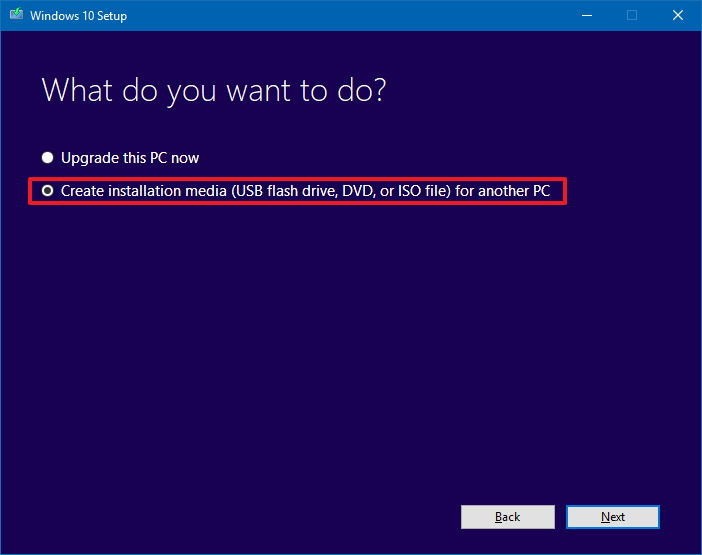
- Select the Create installation media (USB flash drive, DVD, or ISO file) for another PC.
Source screenshot unavailable. View the original image reference
Source screenshot unavailable. View the original image reference
Source screenshot unavailable. View the original image reference